

Financial Tech Wiz Trading Journal
Trading journal that syncs trades from 25+ brokers, reviews them for you and comes with 16+ prebuilt swing trading scanners.
About Financial Tech Wiz Trading Journal
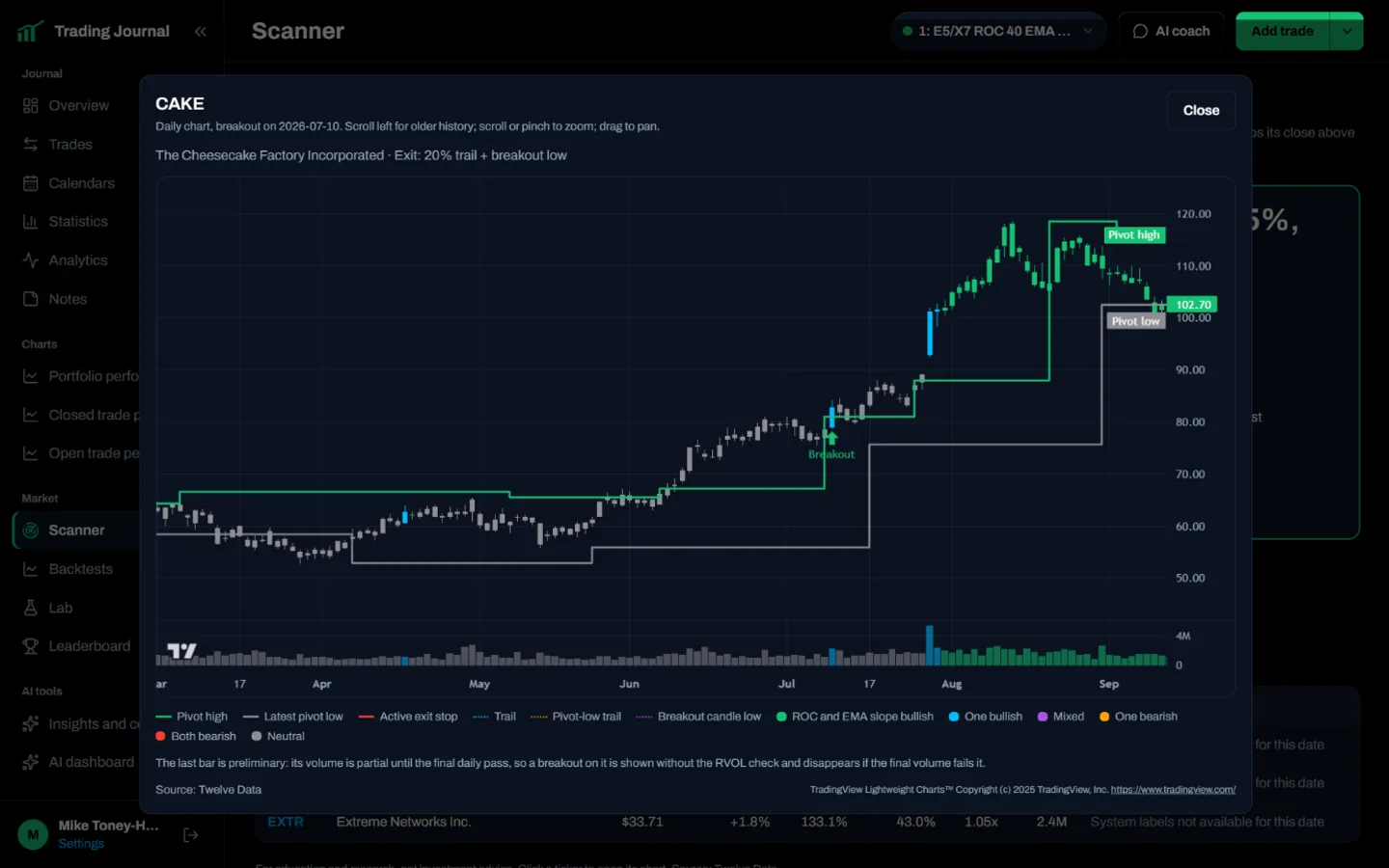
Financial Tech Wiz Trading Journal is a trading journal for swing traders and day traders that comes with 16+ prebuilt stock scanners, including the Daily Pivot Breakout Scanner. Trades sync automatically from 25+ brokers including Fidelity, Schwab (thinkorswim), TradeStation, Robinhood, E*Trade, tastytrade, Interactive Brokers and Webull, or import by CSV.
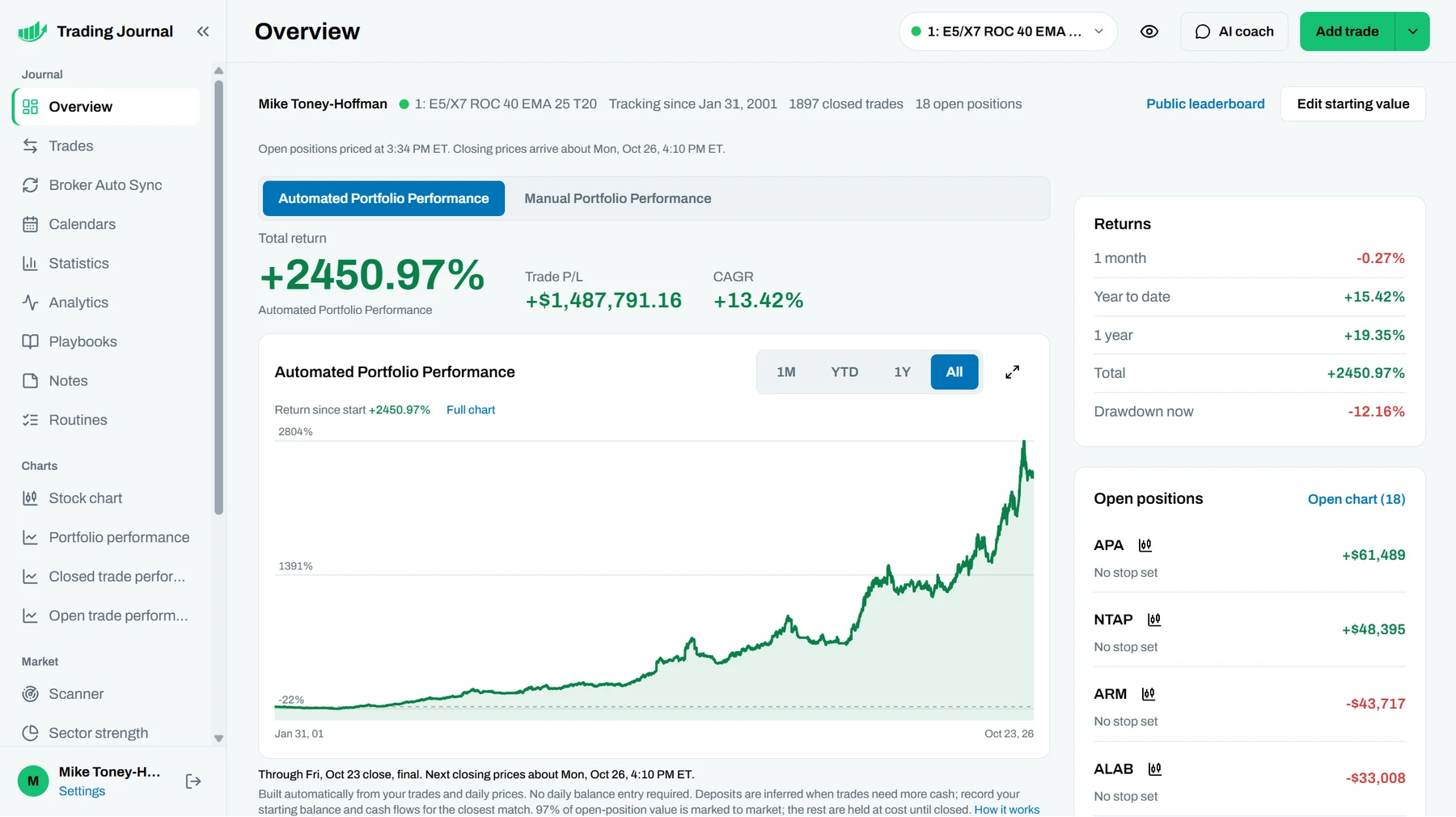
The journal reviews your trades for you: win rate, profit factor, equity curve, drawdown analysis and S&P 500 benchmark comparison across every account, journal and backtest. Open-position views show risk and stop distance, and every trade can carry notes, screenshots and categories.
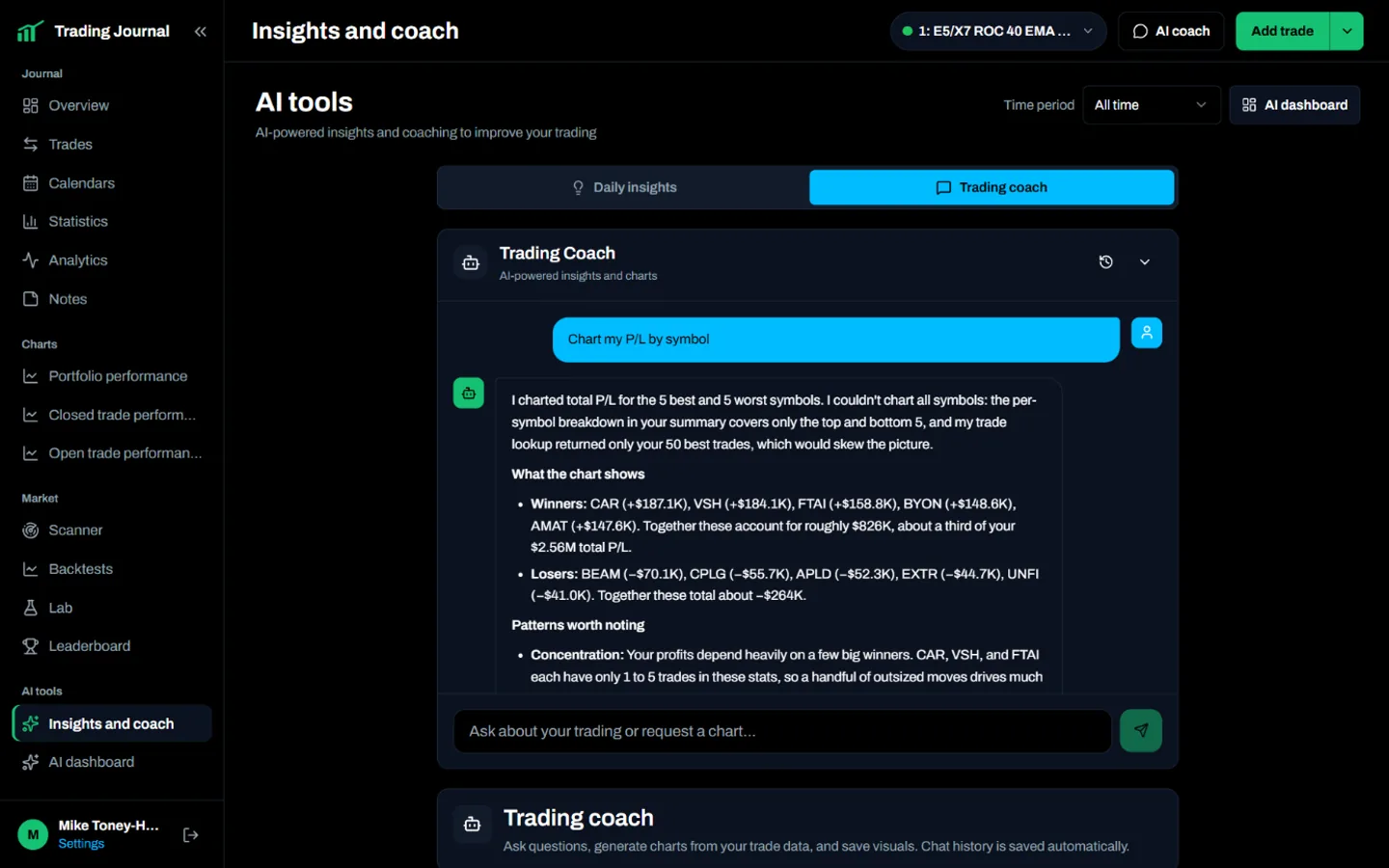
The AI Trading Coach answers questions about your own trade history, and MCP access lets AI assistants such as Claude read your journal and scanner results. Membership also includes the premium Financial Tech Wiz Discord.
Pricing: 7-day free trial, then $19 per month or $119 per year.
Screenshots (4)
Features
- Imports broker history, journals, and backtests through CSV or broker connections
- 16+ prebuilt swing trading scanners, including the Daily Pivot Breakout Scanner
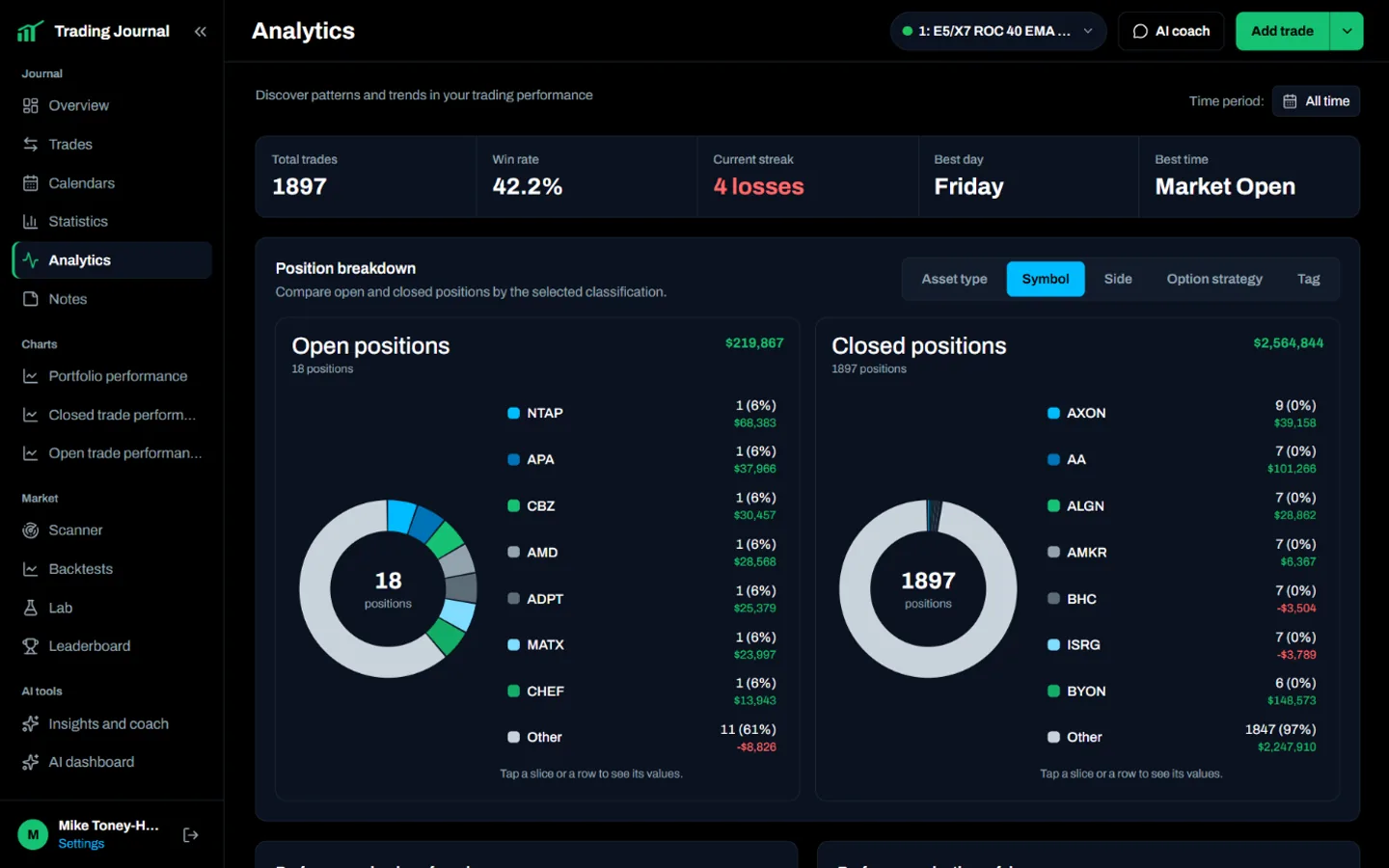
- Breaks down performance by ticker, holding time, day, and time of day
- Shows open-position P/L, total risk potential, and stop-loss distance
- Includes an AI Trading Coach and public MCP access
Use Cases
- Review day trading and swing trading performance
- Compare live accounts with strategy backtests
- Find swing trading setups with prebuilt stock scanners
- Import broker history from CSV files or supported accounts
- Connect MCP tools for journal updates and trade analysis
Verified facts
Checked by the StackLedge team.
FAQ
What types of accounts can I import?
Import broker history via CSV uploads or direct connections to 25+ supported brokers.
Is there a free trial available?
Yes, Financial Tech Wiz offers a 7-day free trial for users to explore the features and capabilities of the trading journal.
How does the AI Trading Coach work?
The built-in AI Trading Coach analyzes your trade history to help identify weaknesses in your strategy and provide insights for improvement.
Can I connect my own AI tools?
Yes. The journal supports MCP connections for tools such as Cursor and Claude, allowing users to review trade history, import backtests, or automate journal updates
Can I compare different market environments?
Yes. Users can compare portfolios and backtests across bull, sideways, crash, V-shaped recovery, grinding bear, and prolonged bear market conditions.
Similar tools
More in SaaS

Basedash
AI-native business intelligence — build charts, dashboards and reports in seconds from all your data, no SQL required, and share them with anyone via a live lin

Edgemetry
Privacy-first, self-hosted web analytics you run on Cloudflare's free tier. One Worker, one D1 database, no cookies, no consent banner.

Quick Image Converter
Quick Image Converter converts, compresses, resizes, and batch-processes images directly in a browser without registration
Discussion (0)
Log in to join the discussion.
No comments yet.