
ImageLayered
ImageLayered uses AI to separate flat images into named, editable RGBA layers for moving, recoloring, replacing, and exporting elements.
About ImageLayered
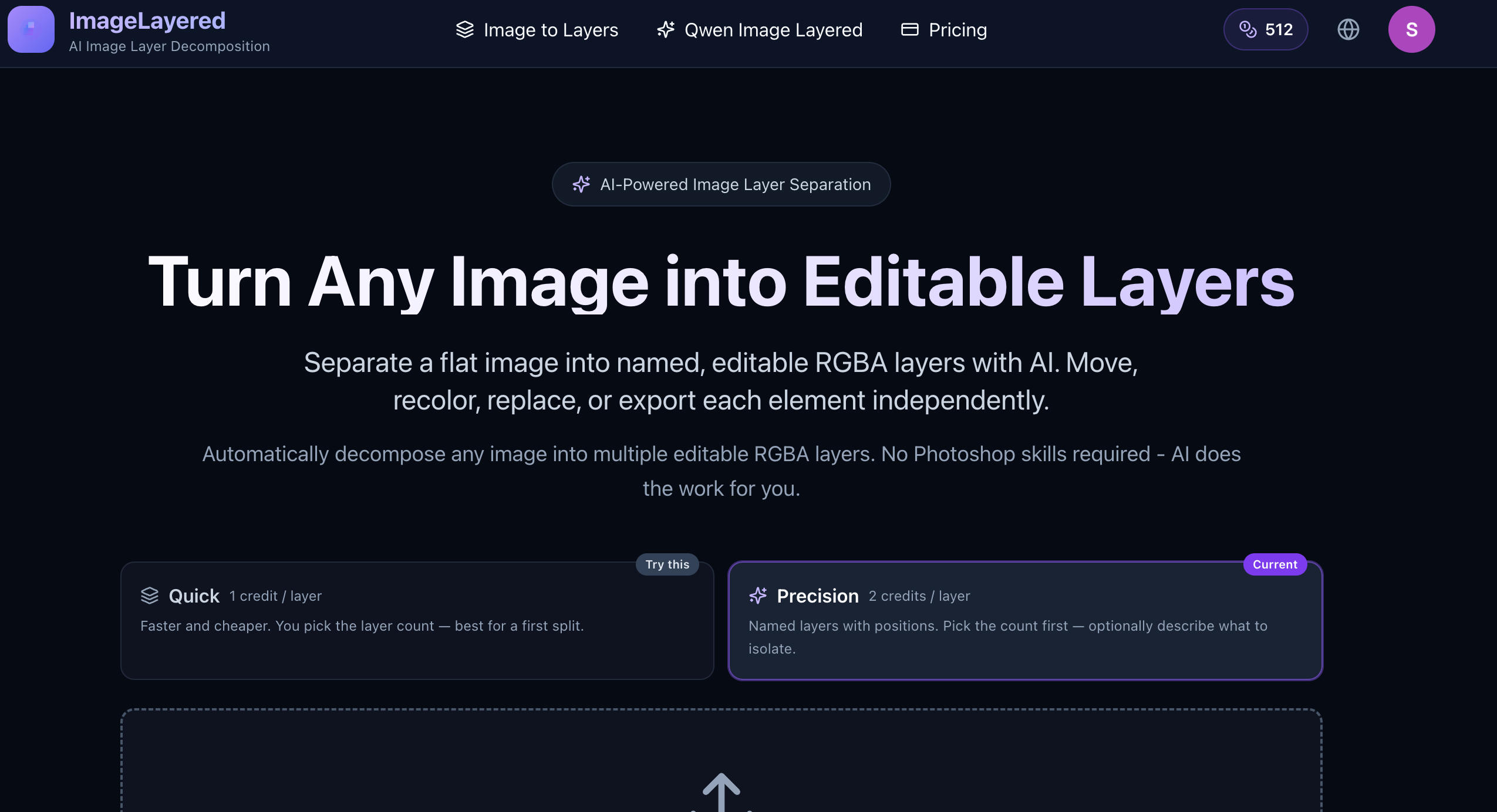
ImageLayered uses AI to decompose flat images into named, editable RGBA layers. Each layer can be moved, recolored, resized, replaced, or exported independently.
The tool includes Quick and Precision modes. Precision mode allows users to choose the layer count and optionally describe which objects or subjects to isolate.
ImageLayered can reconstruct hidden background areas behind separated objects, making the resulting layers suitable for object removal, replacement, and further editing.
Quick mode runs on the open-source Qwen Image Layered model. Precision mode accepts PNG or JPEG images with a minimum resolution of 512×512 pixels.
Screenshots (1)
Works with
Features
- Automatic layer decomposition with AI
- Reconstructs hidden background areas behind separated objects
- Flexible layer control for editing
- Allows independent movement, recoloring, resizing, and replacement of elements
- Uses the open-source Qwen Image Layered model for Quick mode
Use Cases
- Extract subjects from photos for design projects
- Create transparent layers for web graphics
- Edit images without advanced software skills
- Extract individual people or objects into separate layers
- Refine complex compositions through recursive layer decomposition
Verified facts
Checked by the StackLedge team.
FAQ
What types of images can I upload?
You can upload PNG or JPEG images that are at least 512×512 pixels in size.
How does the pricing work?
Pricing is based on the number of output layers you choose, with a cost of $0.10 per output layer.
Do I need Photoshop skills to use ImageLayered?
No, ImageLayered is designed to work without any Photoshop skills, as the AI handles the layer separation automatically.
How does layer refinement work?
Layers can be decomposed recursively for additional refinement and precision
Are actual outputs charged?
Yes. The pricing display states that users are charged for actual output layers only
Similar tools
More in AI Tools

Balsa UI
An agent-native, open-code component system for Vue and React — create design systems and build UI with AI agents.
Cronloop
Create AI agents that run on a schedule — from every 5 minutes to weekly. Describe the job in Markdown, pick Codex or Claude Code, connect your tools, done.

Vois
A local AI voice generator studio with 100+ natural voices, voice cloning and audio mastering — unlimited generation, no per-character fees.
Discussion (0)
Log in to join the discussion.
No comments yet.