
LinkedIn Post Formatter — Bold, Italic & Bullets by ArvoPeak
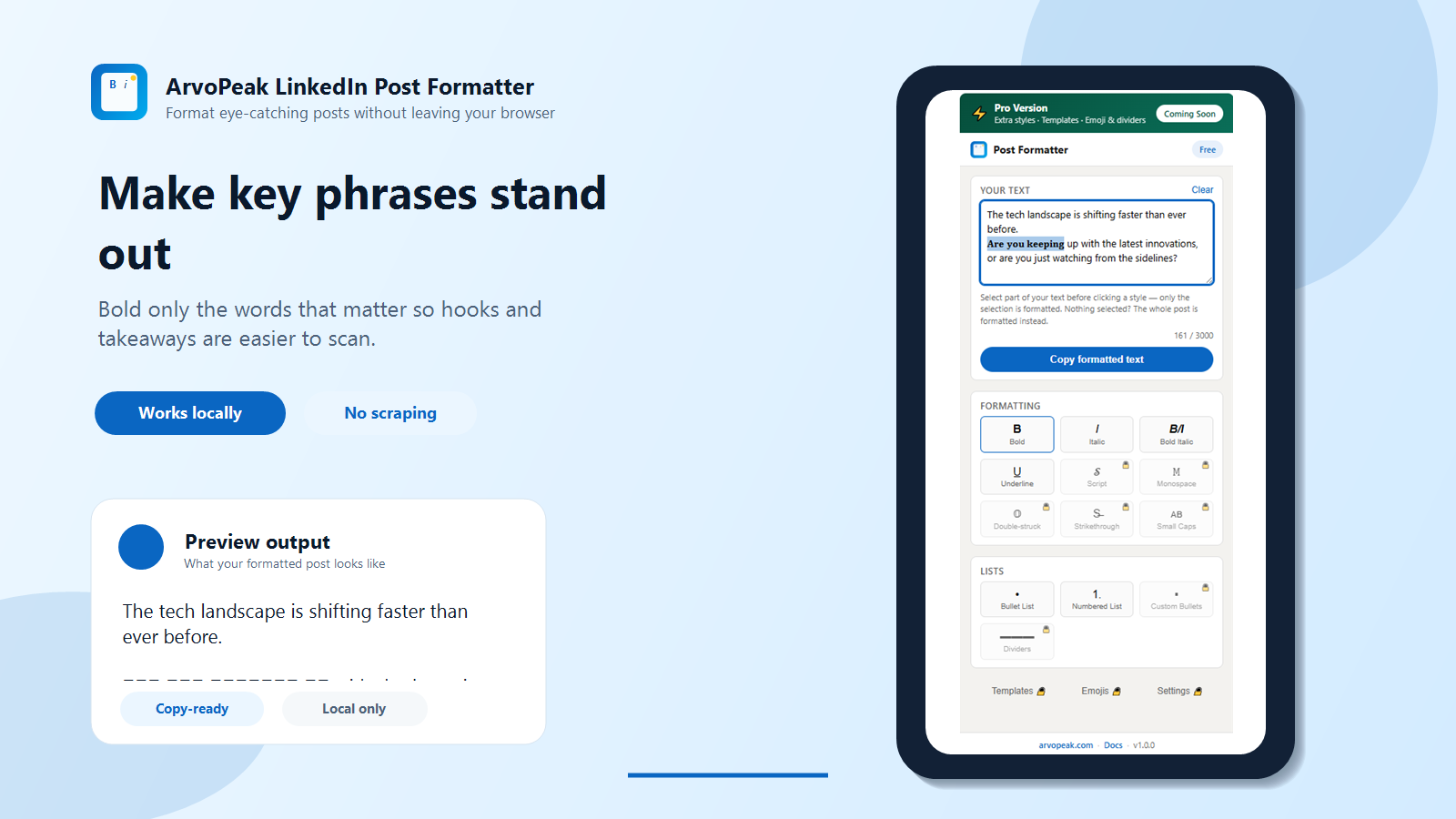
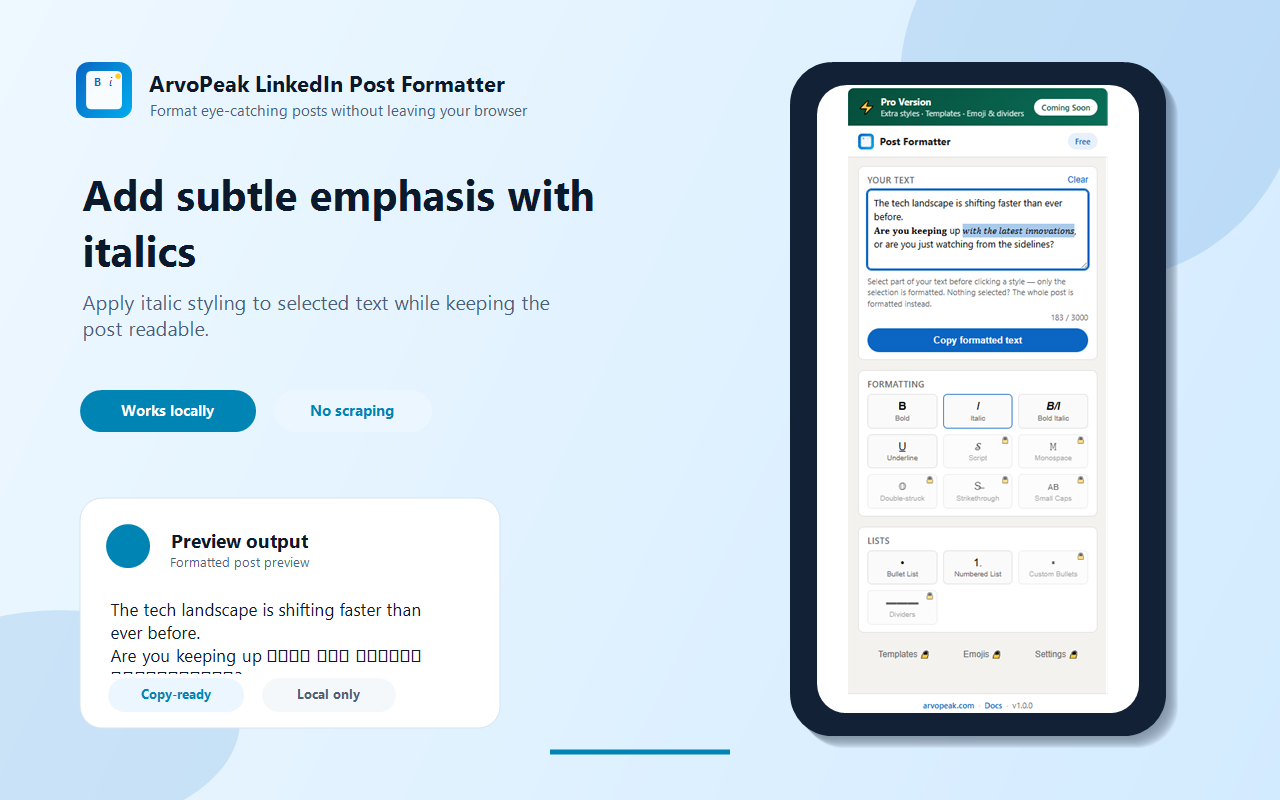
LinkedIn post formatter: add bold, italic, underline & bullets to stand out in the feed. Private — posts never leave your browser.
About LinkedIn Post Formatter — Bold, Italic & Bullets by ArvoPeak
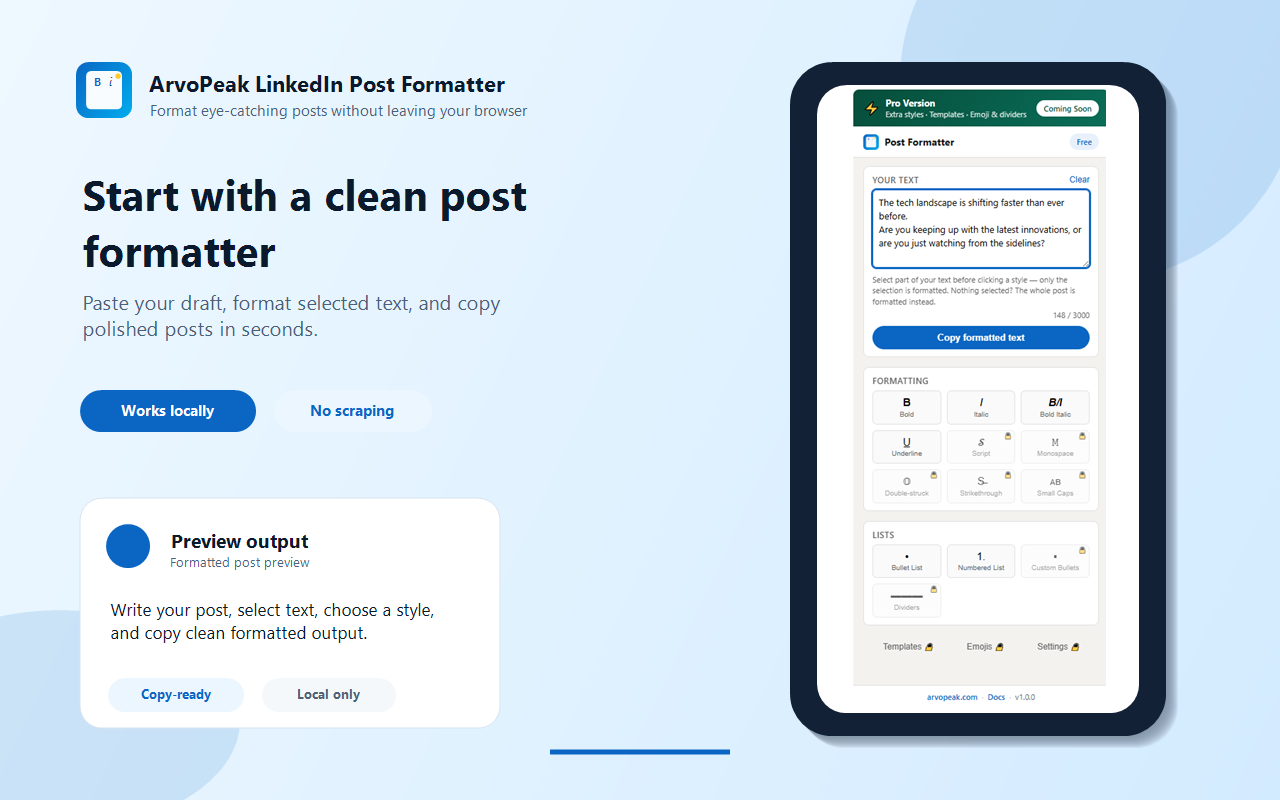
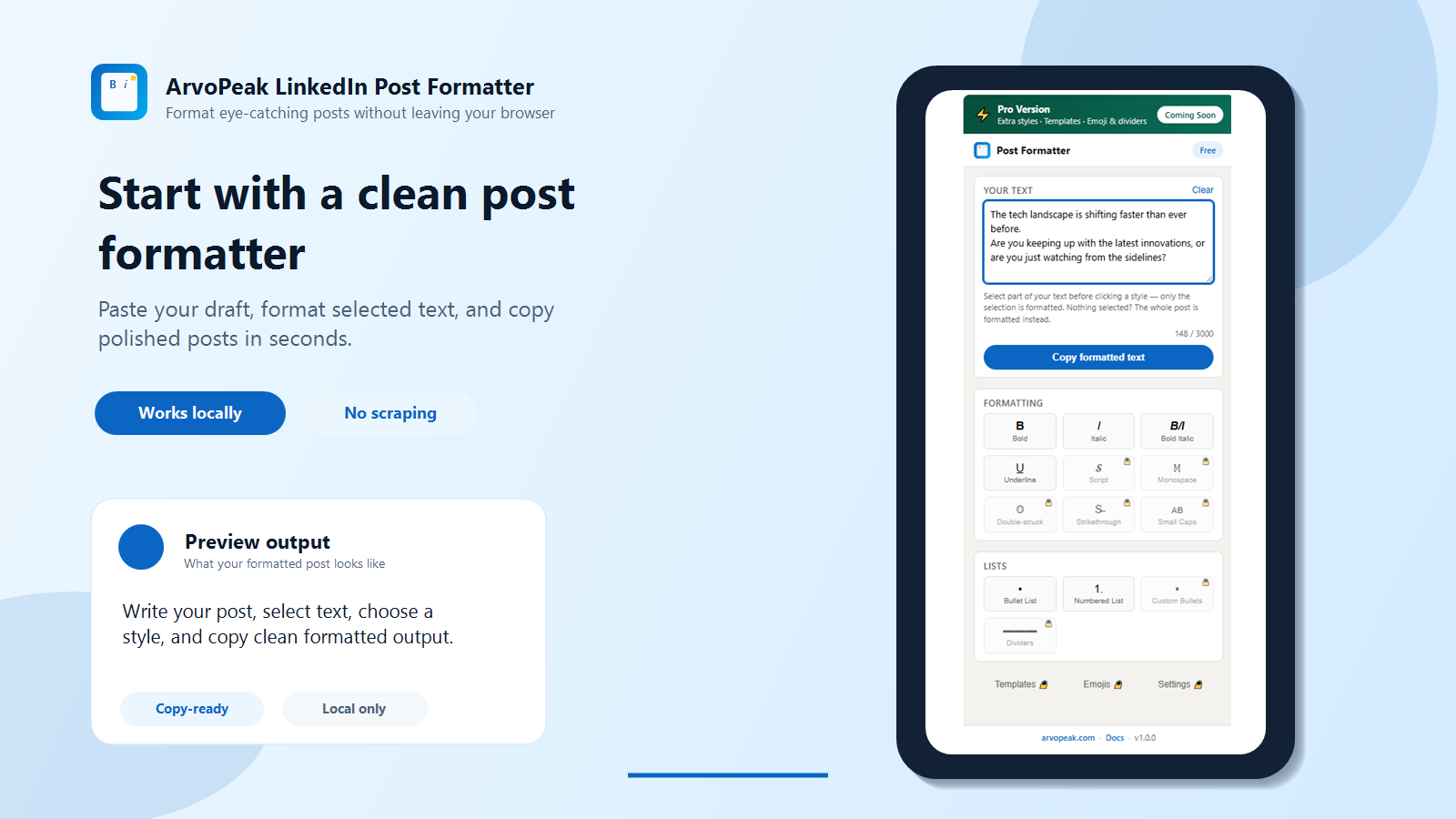
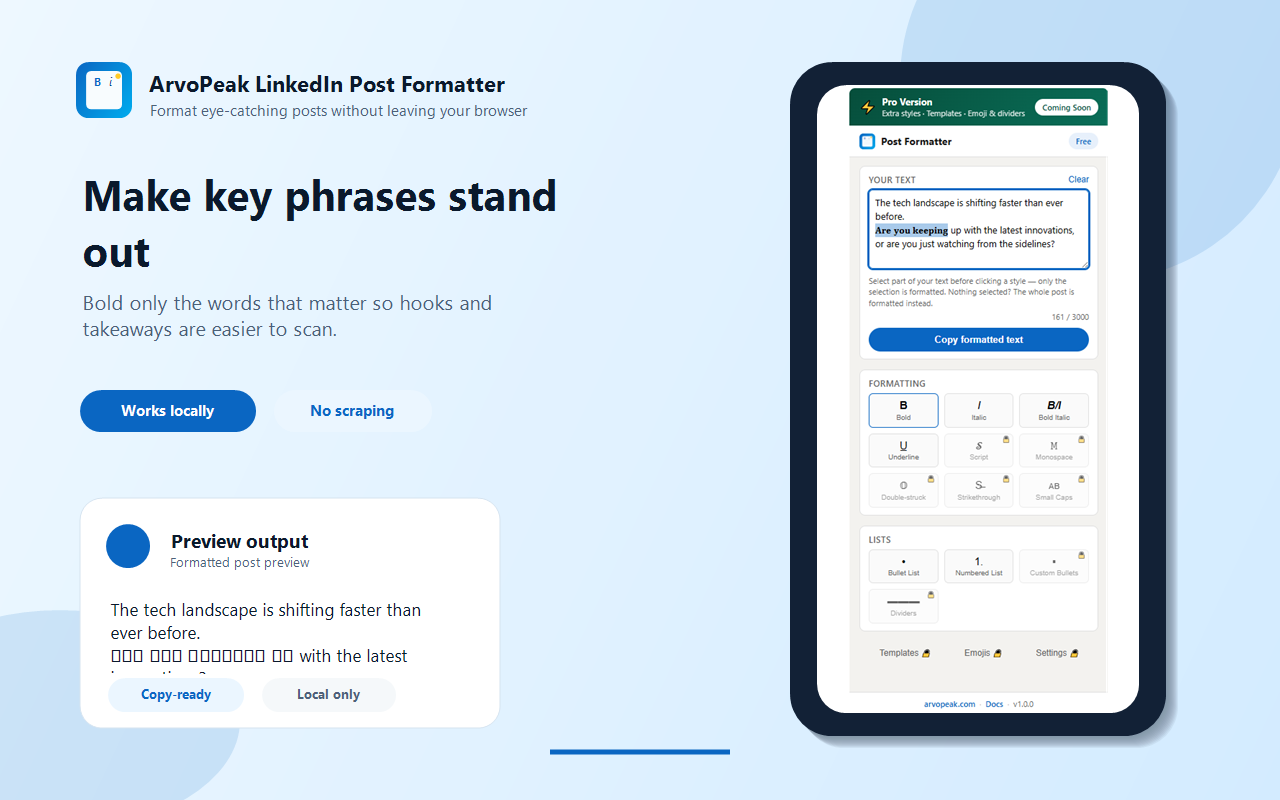
LinkedIn Post Formatter — Bold, Italic & Bullets by ArvoPeak - Chrome Web Store Skip to main contentChrome Web Store My extensions and themes Appearance Developer Dashboard Give feedback Sign in DiscoverExtensionsThemes LinkedIn Post Formatter — Bold, Italic & Bullets by ArvoPeak arvopeak.com 5.0 (1 rating ) Ratings are updated daily and may not reflect the most recent reviews. Share ExtensionSocial Networking3 users Add to Chrome Overview LinkedIn post formatter: add bold, italic, underline & bullets to stand out in the feed. Private — posts never leave your browser. ✍️ LinkedIn Post Formatter — Bold, Italic, Underline & Bullet Points Tired of your LinkedIn posts blending into the feed? LinkedIn's own editor has zero formatting — no bold, no italic, no bullet points. This free LinkedIn text formatter fixes that instantly. Type your post, pick a style, and copy eye-catching bold text, i…
Screenshots (5)
Similar tools
More in Browser Extensions

Lead Capture & Outreach AI by ArvoPeak
Capture leads from websites, organize prospects, manage follow-ups, and export outreach-ready contacts.

SEO Checker & On-Page Audit Tool
Instant on-page SEO audit. Check meta tags, headings, schema, images, links & SEO score with exportable reports.

Broken Link Checker – SEO Audit Tool
Find broken links, 404 errors, redirects & dead URLs instantly. Chrome extension for SEO audits, developers & website testing.
Discussion (0)
Log in to join the discussion.
No comments yet.