
Photo to Video
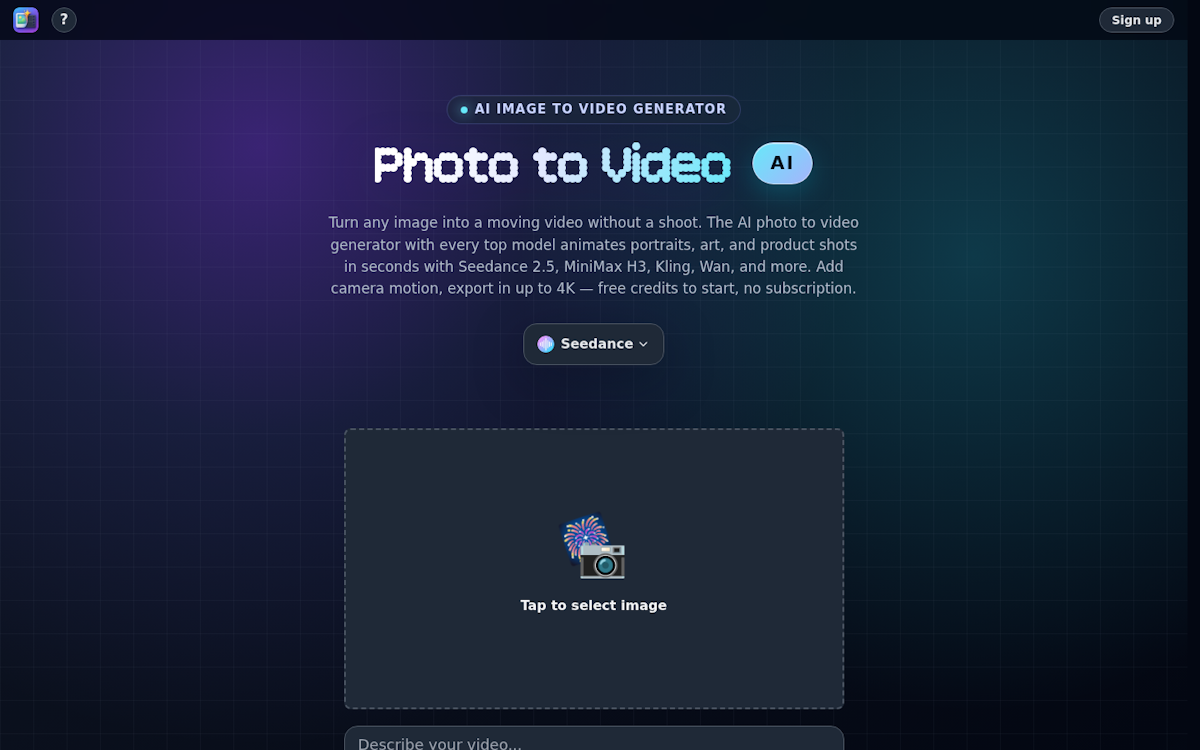
Turn any still photo into video using every major AI model behind one prompt box, so you pick the engine that suits the shot instead of being locked in.
About Photo to Video
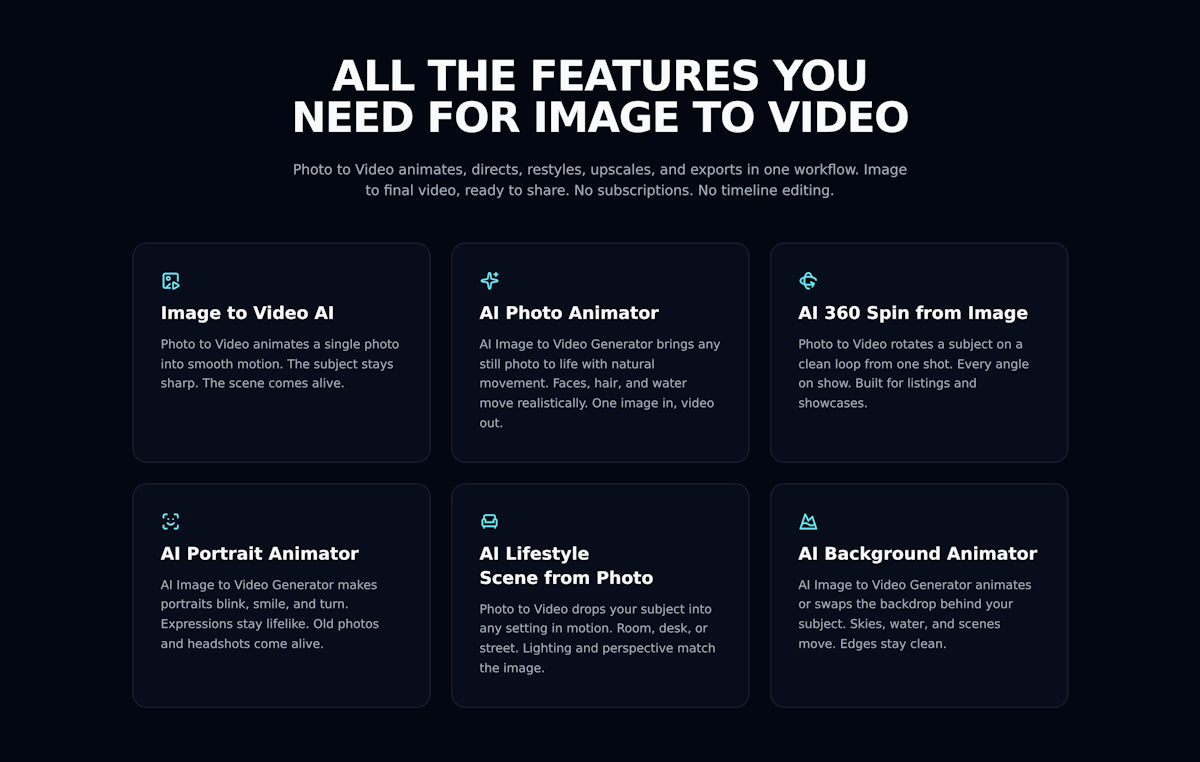
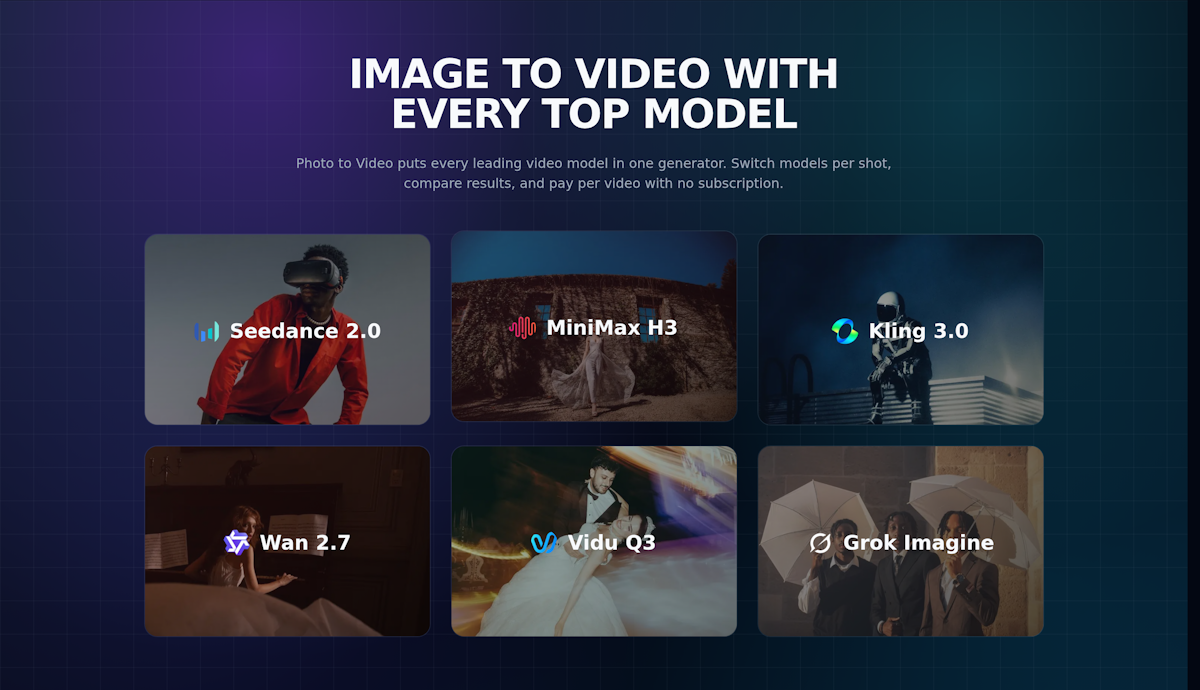
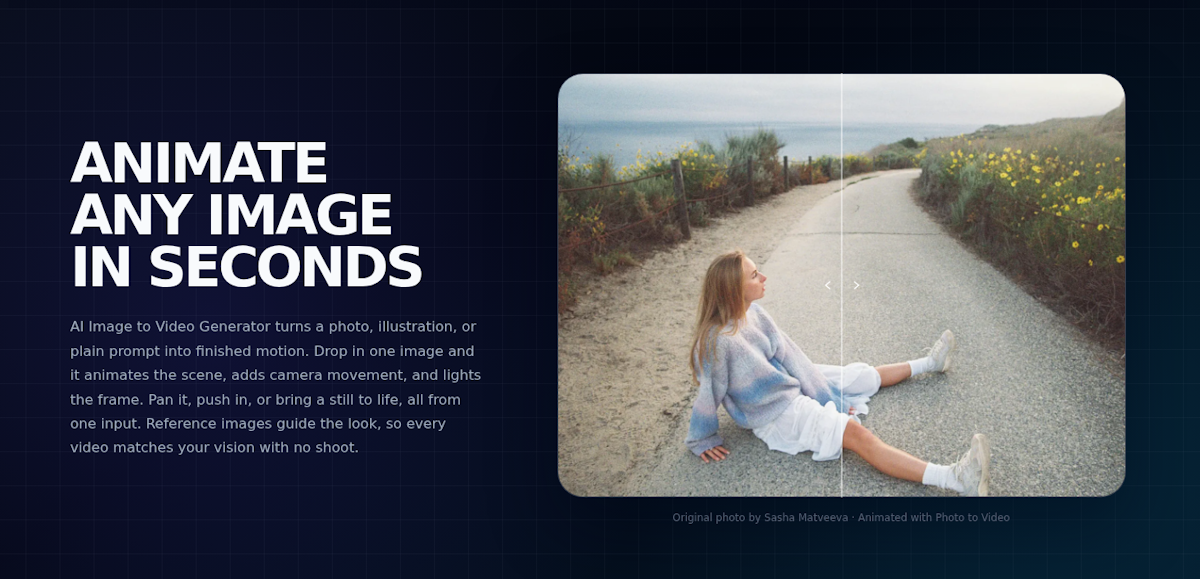
Photo to Video animates a still image into a moving clip, and its main idea is choice. Rather than tying you to one video engine, it puts the major models behind a single prompt box, so you can pick whichever suits a given shot and switch between them on the same input to compare results.
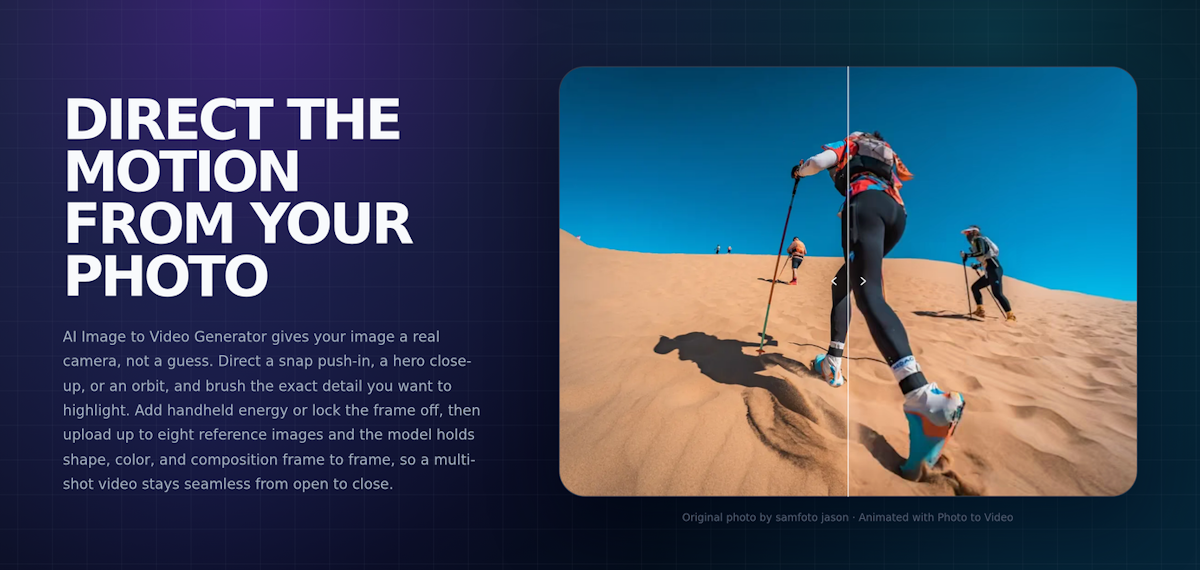
The model lineup spans the current top names and grows as new ones ship, letting you swap engines between shots instead of relying on whatever a single tool happens to license. Output runs up to 4K in clips of around fifteen seconds, with synchronised audio on models that support it, plus camera motion, multi-shot scenes, and reference images to steer the look. A one-tap step expands a few words into a fuller prompt.
On the web you also get an AI image editor for prompt-driven edits that hold facial structure, lighting and colour steady while changing what you asked for. The iOS and Mac app adds modes the browser lacks, including frame-to-frame transitions, fusion from multiple reference subjects, motion transfer from a reference video, text to video, video extend, and 4K upscaling up to 60fps.
Pricing is credit-based rather than a subscription, so you only pay for what you generate. New accounts get free credits and packs start at $4.99.
Screenshots (5)
Similar tools
More in AI Tools

Balsa UI
An agent-native, open-code component system for Vue and React — create design systems and build UI with AI agents.
Cronloop
Create AI agents that run on a schedule — from every 5 minutes to weekly. Describe the job in Markdown, pick Codex or Claude Code, connect your tools, done.

Vois
A local AI voice generator studio with 100+ natural voices, voice cloning and audio mastering — unlimited generation, no per-character fees.
Discussion (0)
Log in to join the discussion.
No comments yet.