

Refini AI Photo Enhancer
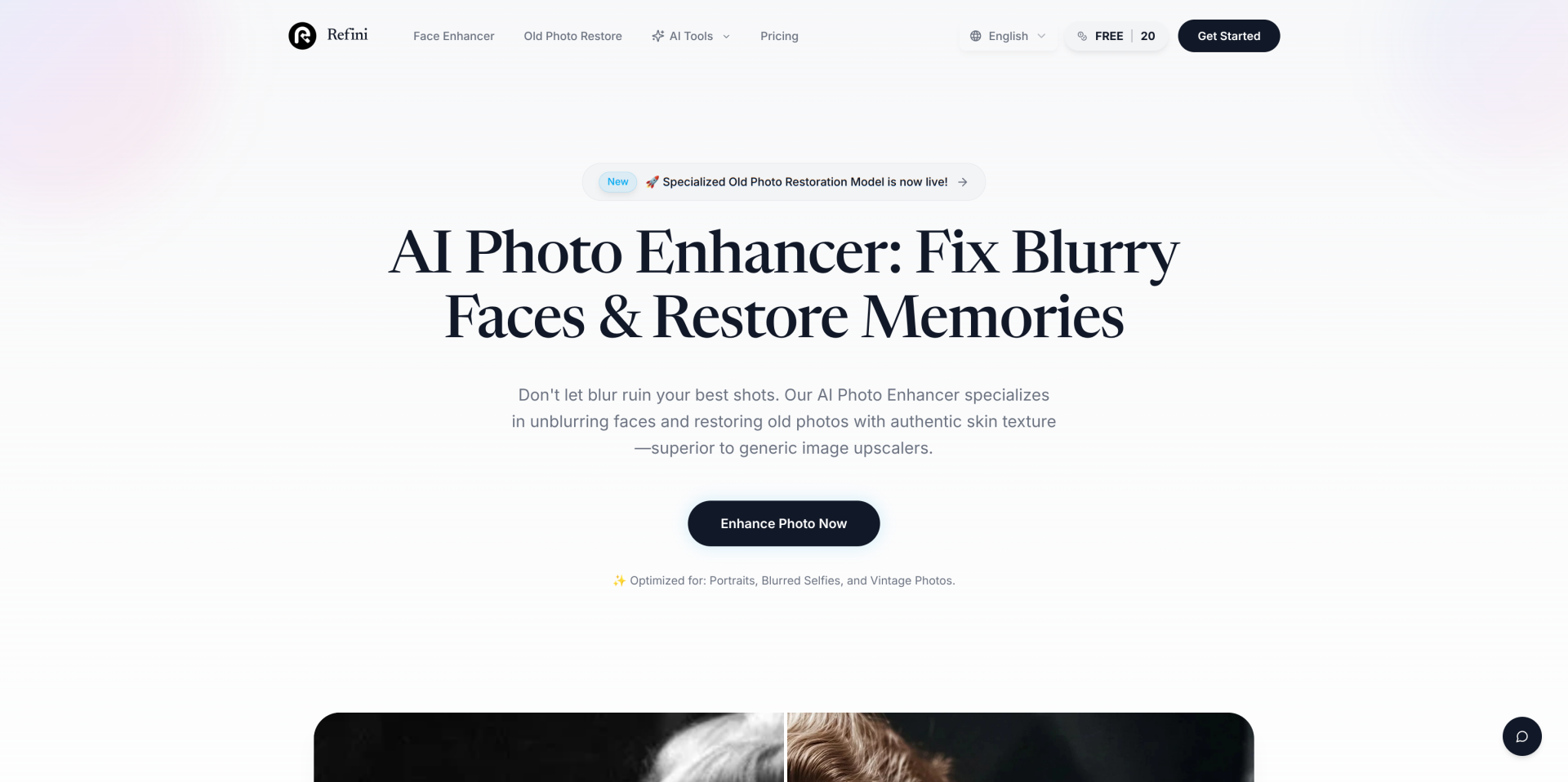
Refini is an AI photo enhancement platform that unblurs portraits, restores vintage photographs, upscales images to 4K, and provides creative background editing
About Refini AI Photo Enhancer
Refini is a web-based image enhancement and restoration suite designed specifically for human portraits and vintage photography. Unlike standard algorithms that over-smooth facial features and produce an artificial plastic look, Refini focuses on recovering natural skin textures, pores, hair definition, and eye clarity. The platform accepts common image formats including JPG, PNG, WebP, AVIF, and iPhone HEIC files without requiring prior conversion, handling files up to 10MB in size and dimensions up to 8000 by 8000 pixels.
Beyond facial unblurring, the toolkit covers extensive photo restoration and generative editing capabilities. The specialized old photo restoration tool repairs physical damage such as paper tears, fold creases, scratches, and water spots from scanned prints while colorizing black-and-white archives. The workspace also includes utilities for AI background removal, studio white-background generation, background replacement and blurring, inpainting-based object erasure, generative canvas outpainting with image extension, directional portrait relighting, sketch-to-image conversion, and prompt-guided multi-image combination.
Under the hood, Refini processes tasks using specialized third-party infrastructure and models, incorporating Topaz Labs upscale models, Google nano-banana, and Crystal Upscaler through Replicate, alongside the BRIA API for object and background workflows, and Seedream and OpenAI image models for generative composition. Images can be enlarged up to 4x resolution or exported in 4K clarity for poster printing. Uploaded images on the free tier are automatically purged from servers after 24 hours, while paid accounts retain processed files for 30 days.
Screenshots (1)
Works with
Features
- Unblur faces and restore old photos
- Provides generative background replacement, removal, relighting, and object erasure
- Colorize black & white images with AI
- Accepts JPG, PNG, WebP, AVIF, and iPhone HEIC files up to 10MB and 8000x8000 pixels
- Automatically purges free-tier uploaded images from servers after 24 hours
Use Cases
- Enhance blurry selfies for social media
- Restore vintage family photos
- Remove unwanted objects from images
- Generating clean white background cutouts for corporate headshots and product listings
- Upscaling small cropped faces from group photos up to 4K resolution for print posters
Verified facts
Checked by the StackLedge team.
FAQ
Is there a cost to use Refini?
Refini offers a free trial with no credit card required. Users can enhance images for free, with auto-deletion after 24 hours.
What types of images can I upload?
You can upload images in HEIC, JPG, or PNG formats, up to 10MB in size, without needing format conversion.
How does Refini handle my photos?
Your photos are not used to train AI models and are automatically deleted from the servers after 24 hours.
What is the difference between credit pack credits and subscription credits?
Purchased credit pack credits never expire, whereas monthly subscription credits refresh each billing cycle and do not roll over to subsequent months.
What happens to inactive free accounts?
Free accounts that remain completely inactive for 24 consecutive months without a subscription or remaining purchased credit balance may be closed automatically.
Similar tools
More in AI Tools

Balsa UI
An agent-native, open-code component system for Vue and React — create design systems and build UI with AI agents.
Cronloop
Create AI agents that run on a schedule — from every 5 minutes to weekly. Describe the job in Markdown, pick Codex or Claude Code, connect your tools, done.

Vois
A local AI voice generator studio with 100+ natural voices, voice cloning and audio mastering — unlimited generation, no per-character fees.
Discussion (0)
Log in to join the discussion.
No comments yet.