

ShotStudio
ShotStudio is a browser-based screenshot editor for creating framed visuals, 3D tilt mockups, annotated graphics, and verified X proof cards.
About ShotStudio
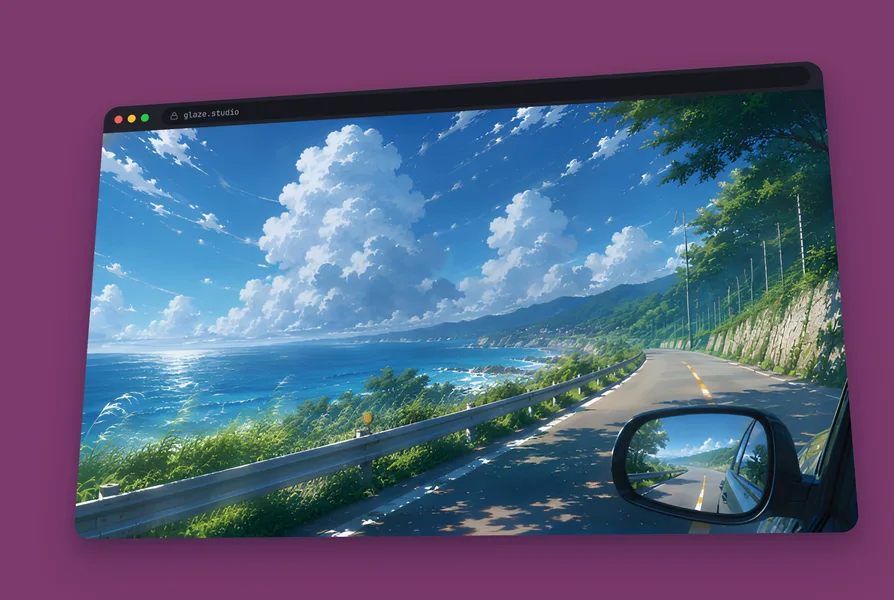
ShotStudio gives creators and indie developers a fast way to transform bare screenshots into presentation-grade marketing visuals directly in their web browser. Instead of wrestling with complex design software, users can paste images straight from their clipboard or drag files directly onto the canvas. The editor wraps captures in realistic hardware and software frames, including laptops, mobile phones, and minimal browser windows. From there, creators can fine-tune background padding, tweak rounded corner radiuses, drop custom shadows, and layer rich gradient backgrounds or uploaded backdrop images.
To make static UI shots pop on social feeds and landing pages, the canvas features built-in 3D perspective tools. Users can tilt visuals along both horizontal and vertical axes between -45 and 45 degrees, adding realistic floor reflections with custom blur, offset, and opacity controls. The workspace also includes quick markup utilities such as freehand drawing pens, highlighters, directional arrows, icon stickers, and raw SVG imports. For showcasing growth, built-in milestone cards let makers highlight follower counts or revenue targets with clean progress meters and metric badges.
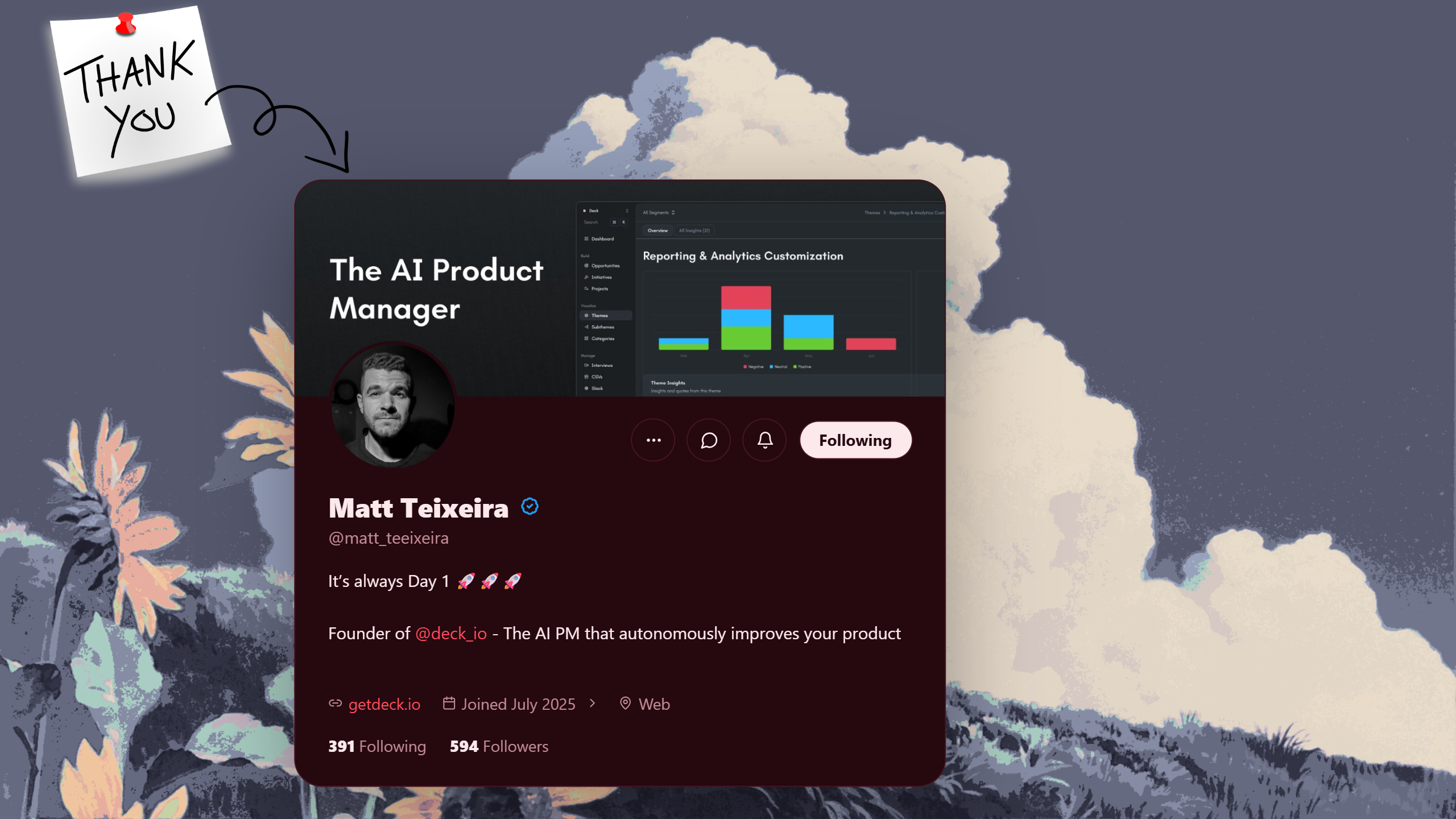
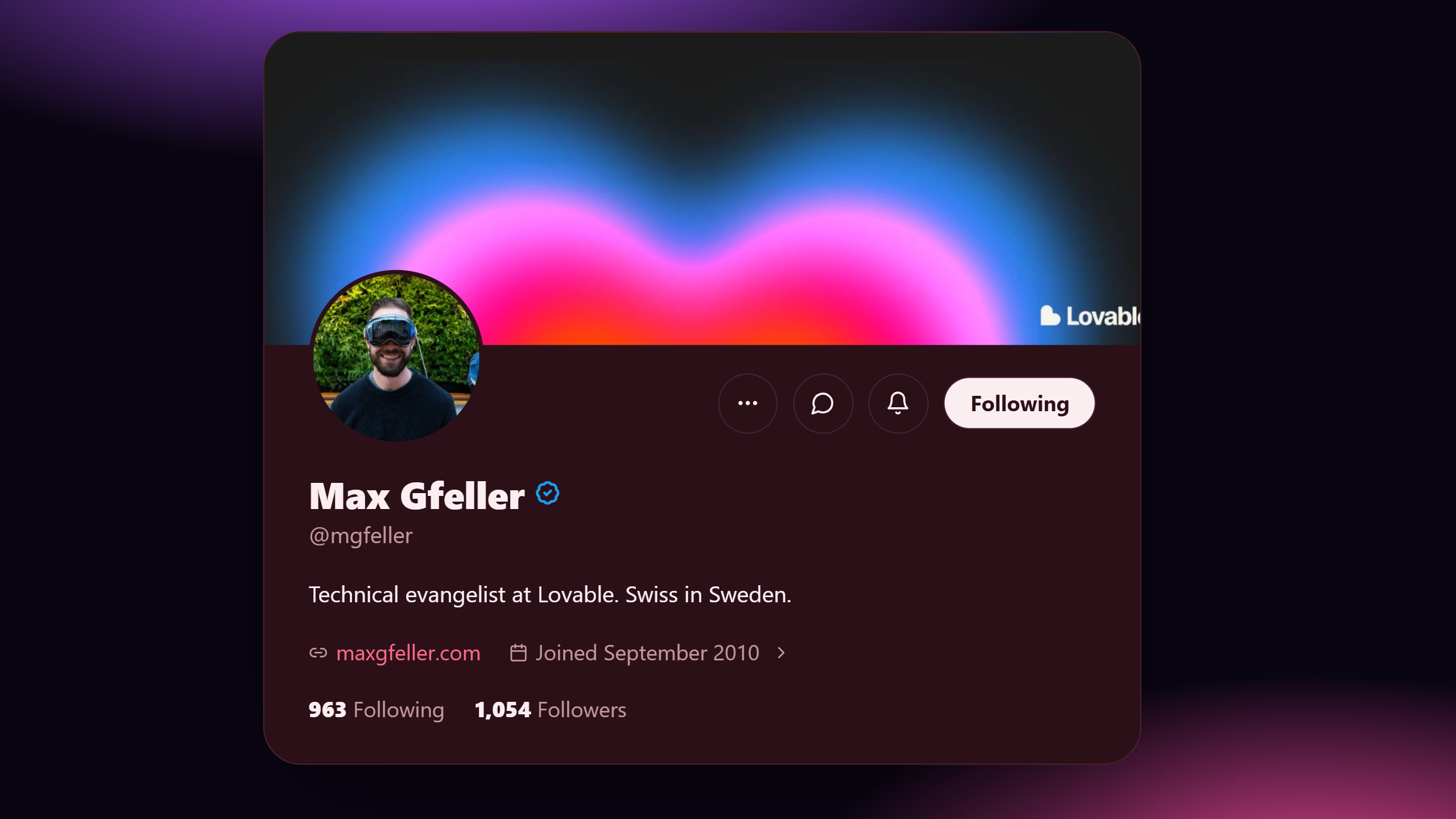
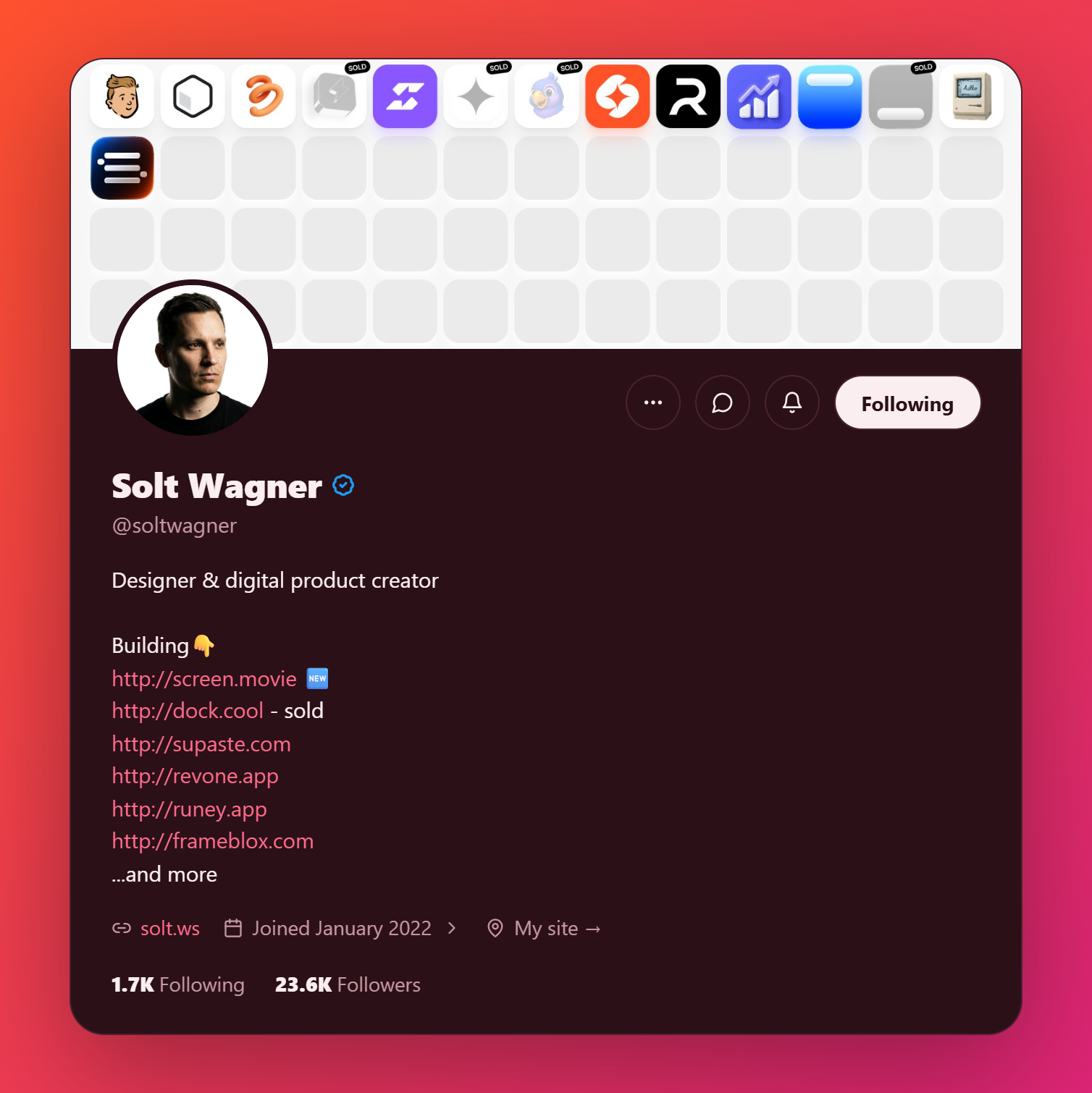
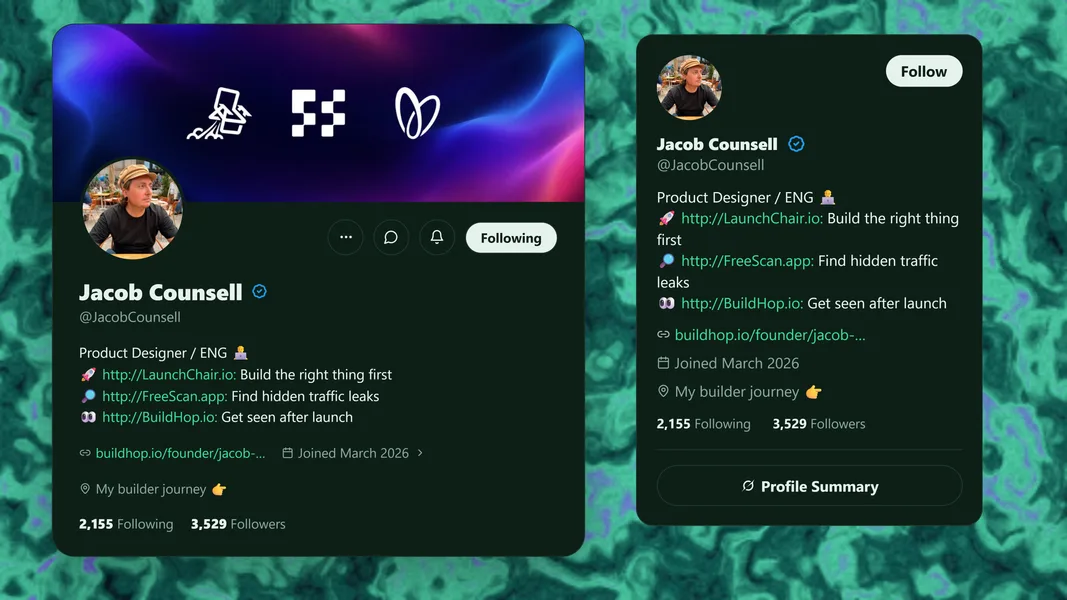
Authenticity is a key focus, so ShotStudio pulls live public profiles and post content directly from X using account handles or post links. Because these cards pull live data rather than typed text, social proof graphics stay genuine and ready for launch threads. Once pulled onto the canvas, profile data is cached locally so users can freely restyle fonts, layouts, and colors without hitting the network again. When designs are ready, they can be exported as high-res PNG or JPG files up to 3x scale and 4K quality, copied to the clipboard, or rendered as animated WebM clips and looping GIFs capped at 1200 pixels.
Everything runs client-side on the user device, keeping uploaded screenshots private without transferring images to external servers. The studio offers a permanent free tier that includes framing, 3D tilt adjustments, and two free live X card fetches without asking for a credit card up front. Creators who want unlimited real-time X profile and post imports can upgrade through a single one-time payment of $5, avoiding recurring monthly subscription fees.
Screenshots (5)
Works with
Features
- Enter your X username and create a beautiful profile card-no manual typing required.
- Enter your X POST LINK and create a beautiful profile card no manual typing required.
- Crossed 1K followers or $10K MRR? Show the real number.
- Put a snippet on a styled card instead of a plain screen grab.
- Announce a new feature with a clean shot of the actual product.
Use Cases
- Create engaging presentations from screenshots
- Design milestone proof cards for projects
- Enhance visuals for reports and proposals
- Adding arrows, highlights, and custom stickers to product walkthroughs and tutorials
- Exporting animated screen recordings and looped GIFs for pitch decks and presentations
Verified facts
Checked by the StackLedge team.
FAQ
What types of visuals can I create with ShotStudio?
You can create presentation-ready visuals from screenshots, including premium frames, annotations, and milestone proof cards.
Is ShotStudio browser-based?
Yes, ShotStudio renders your canvas directly in your browser, making it accessible without the need for downloads.
What export options are available?
ShotStudio offers high-resolution and animated export options for your visuals.
How does the platform retrieve external website logos?
Users can input any domain name into the favicon tool, which grabs that site's logo and adds it as an element that can be moved, resized, or tilted.
Are users permitted to use exported graphics in commercial projects?
Yes, the terms of service explicitly grant rights to use both the browser studio and all exported imagery for commercial and personal projects alike.
Similar tools
More in SaaS
Basedash
AI-native business intelligence — build charts, dashboards and reports in seconds from all your data, no SQL required, and share them with anyone via a live lin

Edgemetry
Privacy-first, self-hosted web analytics you run on Cloudflare's free tier. One Worker, one D1 database, no cookies, no consent banner.

Quick Image Converter
Quick Image Converter converts, compresses, resizes, and batch-processes images directly in a browser without registration
Discussion (0)
Log in to join the discussion.
No comments yet.