

AI Image Cleaner
AI Image Cleaner is a browser-based AI inpainting tool for removing people, objects, text, logos, watermarks, and clutter from photos.
About AI Image Cleaner
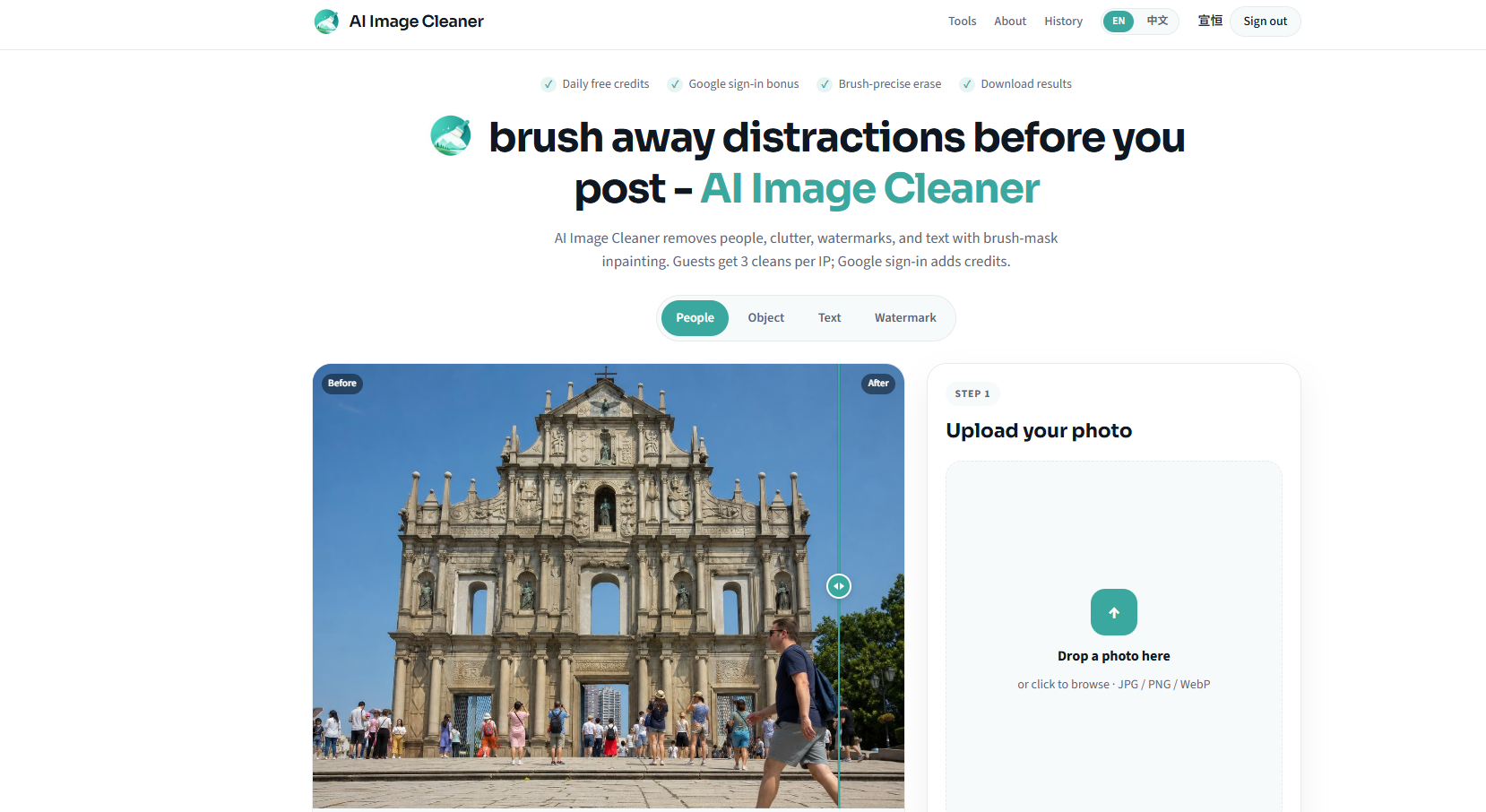
AI Image Cleaner lets users upload a photo, paint over unwanted regions, run an AI cleanup, review the result, and download the edited image. It works in a browser without requiring installation.
The tool accepts JPG, PNG, and WebP uploads and uses brush-based masking rather than relying only on automatic object detection. Eraser, undo, and redo controls help refine the selected region before processing.
The tool is designed for removing photobombers, people, power lines, date stamps, text, logos, watermarks, product clutter, and other distractions. It uses AI inpainting to reconstruct the background around the removed area.
Each clean uses 2 credits, and the page provides free online cleans without requiring a credit card. Failed jobs are stated to refund the credits used.
Screenshots (1)
Works with
Features
- Brush-precise erase for accurate cleaning
- No installation or credit card required
- Instant cleans with Google sign-in bonus
- Uses AI inpainting to rebuild removed regions
- Lets users review before-and-after results and download cleaned images
Use Cases
- Remove photobombers from landmark photos
- Erase power lines from scenic landscapes
- Clean up date stamps from scanned images
- Repair backgrounds around small clutter and unwanted objects
- Remove watermarks from images the user owns
FAQ
What is an AI image cleaner?
An AI image cleaner is a brush-mask tool that removes selected regions from images and fills them using AI inpainting, rather than just sharpening or denoising the entire photo.
Is AI Image Cleaner free to use?
Yes, AI Image Cleaner is free to use online without requiring a credit card. Users can sign in for instant cleans and receive starter credits.
What types of images can I clean?
You can clean images that you have the right to edit, including removing people, wires, stamps, and small clutter from your photos.
Is automatic object selection required?
No. The workflow uses a manually painted brush mask so users choose exactly which region should disappear
Is installation required?
No. The website says, the tool runs in the browser and provides upload, editing, processing, and download controls online
Similar tools
More in Developer Tools

SendHQ
SendHQ is a developer email API for transactional and inbound mail, verified domains, hosted templates, delivery events, suppressions, and AI-agent workflows.

Vynaris
OpenAI-compatible inference gateway that routes AI requests across models, lowers costs, and returns auditable per-request receipts.

AI for Database
Ask your database. Build dashboards. Trigger workflows.
Discussion (0)
Log in to join the discussion.
No comments yet.